eSIM or roaming: the real choice
At 6:12 a.m. in Heathrow’s Terminal 5, I hovered over my carrier app with a lukewarm coffee and a “$10/day in Europe” banner that looked reassuring—until I tried to read the fine print on a shaky airport Wi‑Fi. The plan would technically work, but the thought of paying per day on a 12–14 day trip felt like leaving the meter running. I closed the app, not because roaming is “bad,” but because the default choice is rarely the cheapest or the calmest.
The real choice isn’t eSIM versus roaming; it’s predictability versus convenience versus raw cost. Carrier roaming is the least setup and the most forgiving if you need everything to “just work” the second you land—great for short trips or people who hate troubleshooting. The trade-off is price creep: days add up fast, and some carriers quietly throttle after a high-speed allowance, right when you’re pulling up rail platforms or QR tickets.
A travel eSIM usually wins when you’re crossing borders every few days and care about maps, WhatsApp, and ticket apps behaving normally in France on Tuesday and Croatia on Friday. It’s not always the absolute cheapest compared to a local SIM, and “Europe-wide” can mean “most of Europe, except the one country you’re actually sleeping in.” If you want one plan and minimal airport errands, eSIM is often the clean middle path—provided you confirm coverage and data limits before you commit.
Confirm your phone supports eSIM

In a rental flat in Lisbon, I watched the “Add eSIM” button refuse to appear where every setup guide promised it would. My phone was fully updated, Wi‑Fi was fine, and I still spent eight minutes toggling through Settings while my check-in message sat unsent in WhatsApp. That’s the quiet trap: you don’t discover eSIM confusion when you’re calm at home—you discover it when you’re tired and trying to find the right door code.
Before you buy anything, confirm three things: your model supports eSIM, it’s not carrier-locked, and you actually have an available eSIM “slot” left. “Supports eSIM” is not the same as “unlocked,” and an installment phone that works perfectly in the US can still block a European eSIM like a bouncer at the door. It also matters how you travel: if you need your US/UK number active for bank texts while using European data, you’re looking for dual SIM behavior (physical SIM + eSIM, or eSIM + eSIM), not just basic compatibility.
The fastest check is practical, not theoretical: in your cellular/mobile settings, you should see an option like “Add eSIM” or “Add Cellular Plan.” If it’s missing, stop shopping and confirm your exact model variant and lock status with your carrier—otherwise you’ll buy a plan you can’t install. This is the one step that saves the most time later, especially if you land late and need maps immediately.
Choose the right Europe coverage
On a platform in Brussels with 3% battery left, I zoomed in on a rail app map and watched the tiles turn into gray squares right as the train to Amsterdam was boarding. The eSIM I’d bought said “Europe,” but the coverage list was buried three taps deep, and “EU” wasn’t the same as “everywhere you’ll actually go.” That’s when “works in Europe” stopped being a vibe and started being a checklist.
Start with your exact route, not the provider’s headline: list your four countries, plus any day-trip border hops (Switzerland is the classic gotcha, and so are Balkan neighbors). “Europe-wide” plans often mean a bundle of participating countries on partner networks, and the limitation is you don’t control which network you land on—so one city can feel like LTE everywhere, while a rural bus station turns into 3G-era patience. If you’re landing late, prioritize a plan that explicitly includes your arrival country so maps and WhatsApp work before you hunt for Wi‑Fi.
Then pick data like you pack shoes: for what you’ll do, not what sounds ambitious. If you’re mostly navigating, messaging, and scanning QR tickets, a moderate amount is fine; if you’ll hotspot a laptop or stream nightly, “unlimited” starts to matter—except many “unlimited” plans throttle after a high-speed cap. The trade-off is simple: broader coverage and higher priority routing cost more, but they save you from losing service at the exact moment you’re crossing a border and need your next platform number.
Decide: travel eSIM or local SIM
At 9:40 p.m. in Rome Fiumicino, I stood behind a couple arguing with a kiosk attendant while my jet-lagged brain tried to remember my PIN for a locked SIM tray. The storefront looked simple—big “20€” sign, stacks of plastic SIM cards—but the line moved like molasses, and every setup step depended on someone else’s English and my passport. That’s the moment a “cheap local SIM” stops being a bargain and starts being a delay.
If you’re doing four countries in 12–14 days, a travel eSIM usually wins on friction: one install, one plan, no hunting for shops, and border crossings feel more like a minor network handoff than a fresh purchase. The limitation is control—you get whatever partner network you’re assigned, and speeds can vary block to block. Local SIMs can be cheaper per gig and sometimes faster in one country, but they work best for travelers who sit tight (one base, one carrier) and don’t mind spending your first hour in town on paperwork and APN fiddling.
My rule: choose a travel eSIM if your itinerary is loose, you’ll be on trains, and you care most about maps + WhatsApp working immediately. Choose a local SIM if you’re staying mostly in one country (or you’re a heavy-data user who can justify the errand). If you’re still torn, pay slightly more for the option that saves you time on arrival—you can always optimize later, but you can’t get back the night you lost to a SIM queue.
Install early, activate at landing
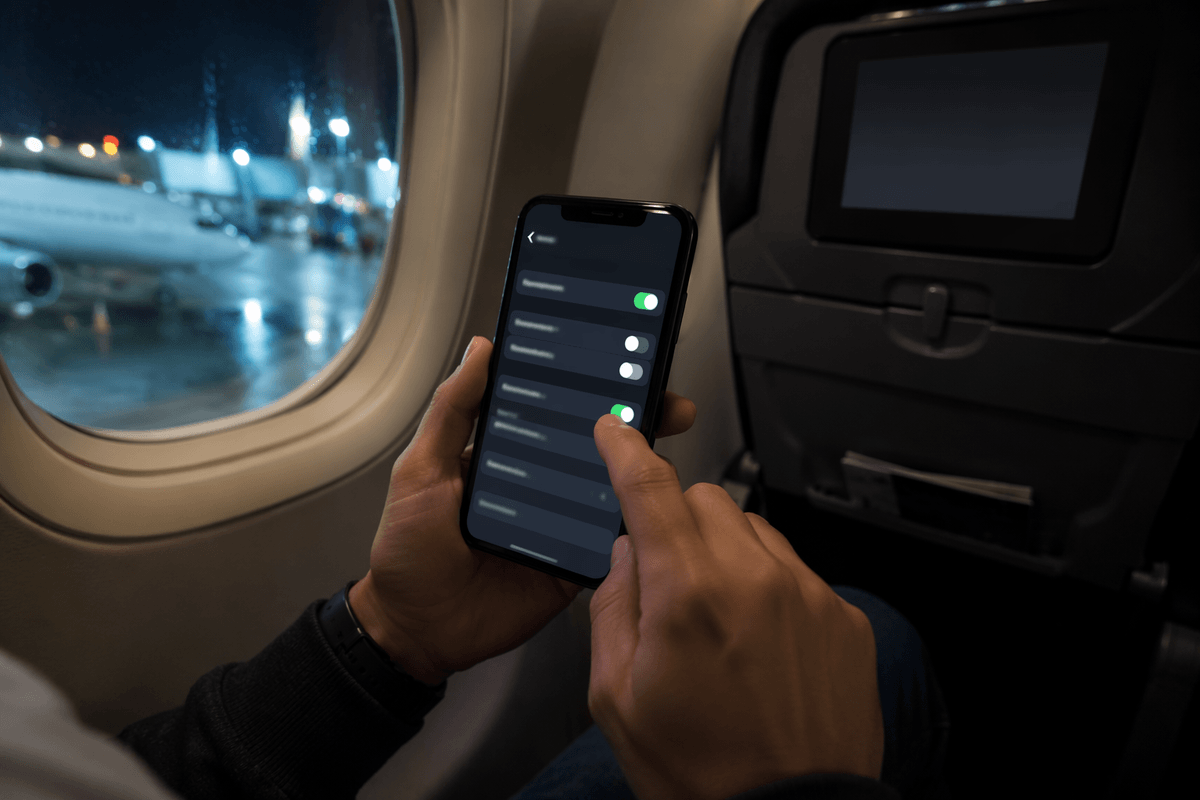
At 11:18 p.m. the night before my flight, I tried to “just do it at the airport” and immediately hit the wall: the eSIM QR code was buried in an email thread, my laptop wouldn’t load the attachment, and my phone kept jumping between Wi‑Fi and LTE. Five minutes felt like nothing—until you realize you’re about to trust your first hour in a new country to whatever connectivity you have right then. That’s the booking friction nobody mentions: setup is easy when you’re calm, and weirdly fragile when you’re rushed.
Install the eSIM at home on stable Wi‑Fi, but don’t activate it early unless you’re sure the plan’s clock starts on first use (some start when installed, others when they first connect to a network). The trade-off is straightforward: earlier install reduces arrival risk, earlier activation can quietly burn validity days while you’re still at home. After installation, label your lines (“US/UK Primary” vs “Europe Data”), set the eSIM as your default for cellular data, and turn off data switching so your phone doesn’t “helpfully” fall back to roaming when signal dips in a station.
On landing, I wait until the plane’s at the gate, then flip the eSIM line on and the primary line’s data roaming off—one deliberate change instead of three panicked ones. If you need bank texts, keep your primary line active for calls/SMS, but route data through the eSIM; it works well for map pulls and WhatsApp without risking a surprise day-pass charge. When it doesn’t work in the first two minutes, I don’t troubleshoot endlessly—I check that the eSIM is the data line, toggle airplane mode once, and move on.
My go-to setup for smooth Europe
At 7:03 a.m., still half-awake, I’m usually staring at my phone in the jet bridge with a seat-row number stuck in my head and a QR ticket that won’t load. I’ve learned not to improvise here: I want one toggle to flip, not a scavenger hunt through settings while the crowd funnels toward passport control. The concrete detail that matters is boring: I label the lines before I fly, because “Secondary” means nothing when you’re tired.
My go-to setup is dual-line: keep your US/UK SIM active for calls/SMS (bank texts), but run all data through a Europe travel eSIM. It’s not the absolute cheapest compared to a local SIM, yet for a 4-country loop it’s the best trade-off between cost control and not losing an hour to kiosks. I set the eSIM as default for cellular data, disable “data switching,” and turn data roaming off on the primary line so a weak station signal doesn’t trigger a day-pass surprise.
Two timing habits make it feel smooth: install on home Wi‑Fi, then activate only when the plane is at the gate (or right after you switch off airplane mode). If it doesn’t connect quickly, I’ll do one airplane-mode toggle and confirm the eSIM is the data line—then I stop fiddling and walk; service often snaps in once you’re out of the concrete belly of the airport. If your itinerary is loose and you care about maps + WhatsApp on arrival, this setup is the boring choice that behaves.



![6 Best ButterflyMX Alternatives [Video Intercom Systems]](static/image/2026/07/14/dde0dbcd-f7bc-446a-96b8-3fe8a10457ef.png)