Your week is full; groceries still have to happen
By midweek the calendar is already crowded: work deadlines, a school note that needs signing, a late practice pickup. The pantry isn’t empty, but it’s close enough that waiting until the weekend starts to feel like a gamble. That’s when grocery apps start looking less like a convenience and more like a plan—tap a few buttons, save an hour, keep the week moving.
Still, the pressure is part of the problem. When the goal is “just get food here,” it’s easy to stop tracking the small costs that only show up at checkout: a service fee that varies by time slot, a tip expectation, or item prices that don’t match what you remember in-store. The time savings is obvious; the total spend is not.
The expectation: fewer trips, lower spend, less stress
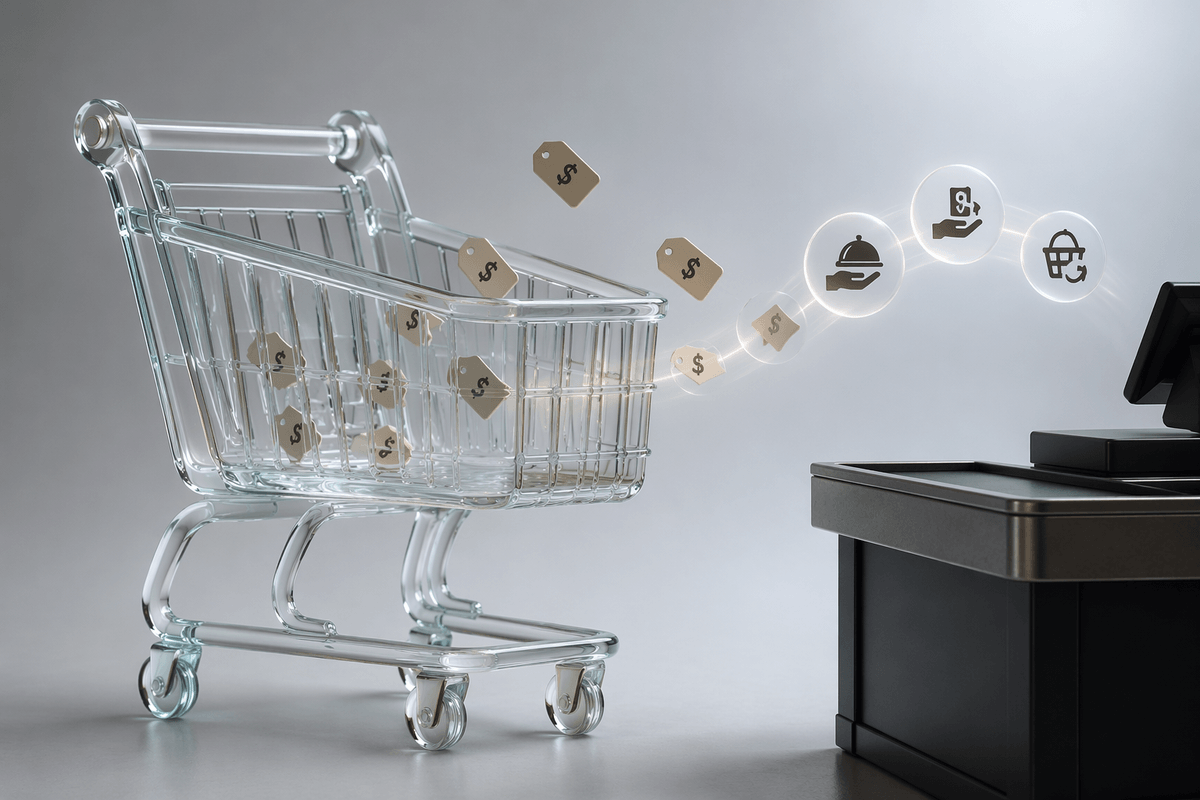
On a tight month, the promise sounds clean: combine errands into one order, avoid the extra “quick stop,” and keep dinner decisions from spilling into expensive takeout. If the app also stores favorites and past orders, it feels like it should reduce waste, too—fewer duplicates, fewer forgotten items that force another run. The expectation isn’t just convenience. It’s control: a shorter list, a predictable total, and fewer chances to wander into endcaps.
In practice, the app’s checkout screen encourages that optimism. The cart total updates instantly, so it feels like spending is being watched more closely than in a store. And when a household is trying to cap groceries to a set number for the month, a digital cart looks like a budget tool rather than a shopping method. The catch is timing: the real bill isn’t decided when the cart looks “done,” but when fees, tips, and final item changes post—often after the moment the stress was supposed to disappear.
The mismatch appears on the receipt, not the cart
The cart total feels reassuring because it’s the only number that behaves. It updates as items are added and removed, it looks precise to the cent, and it gives the impression that the household is staying inside the month’s limit. Then the receipt lands and the math shifts. A delivery fee that was small in the afternoon is higher for the only available evening window. A “priority” option is preselected. The tip isn’t outrageous, but it’s real. If the store uses in-app pricing that runs even 5–15% above shelf, the gap can quietly become a full extra meal’s worth of spend.
What makes it hard to catch is the timing. The app shows a cart number while decisions are being made, but the costs that move the final total often appear after the cart feels finalized. Taxes apply to some categories, not others. Promotions don’t always track the way the store circular does. And the order confirmation page can bundle fees into labels that sound temporary (“estimated,” “adjusted”) even when they rarely go down. The mismatch isn’t a one-time surprise; it’s a pattern that only shows up when the receipt becomes the first place the household actually audits the trip.
Substitutions turn budgets into guesses under pressure
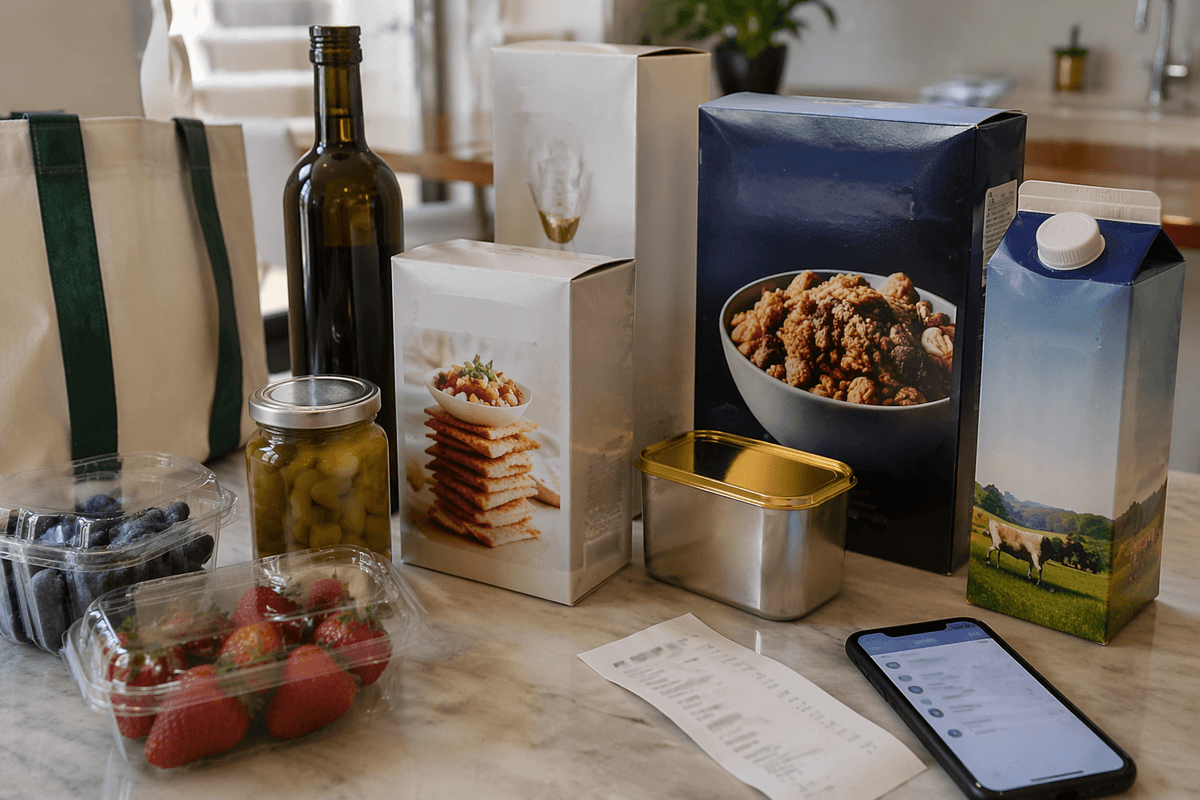
Even after the fees and tips are expected, the order can still drift because the cart isn’t the final cart. Out-of-stocks hit the most price-sensitive items first: the store-brand eggs, the sale pasta, the “two for” yogurt. Under time pressure, it’s common to tap “allow substitutions” just to keep the order moving, but that choice hands pricing control to someone working a fast pick list. A $2.49 item becomes $4.99, and the budget “buffer” that looked fine in the app quietly disappears.
The frustrating part is how hard it is to audit in real time. Substitution messages arrive while dinner is being handled, or after the store has already packed the bags. If the app allows “best match” instead of a pre-approved replacement, the swap can shift size and unit price at the same time—bigger box, higher brand, different quantity—making the final spend feel random. The households that keep totals predictable tend to treat substitutions like a decision, not a default: pick exact backups for the handful of high-frequency staples, and set everything else to “refund” so the order can come in slightly short without turning expensive.
Add-ons sneak in when the app feels effortless
Once substitutions are under control, the next leak usually shows up in the “almost done” moments. The app doesn’t interrupt; it smooths. After the cart is built, there’s a neat row of suggestions: “popular add-ons,” “complete your meal,” “you might be running low.” In a busy week that feels helpful, but it’s also how a $142 order becomes $168 without any single decision feeling like a splurge. The friction is low, and that’s the point.
What makes these add-ons expensive isn’t just the extra items—it’s the timing. They’re offered after the household has mentally committed to the order and before the final total posts, when fees and substitutions are still moving. A $6 bakery treat plus a $9 “easy side” plus a $12 pack of drinks can slide in under the radar because each tap looks minor compared to the full cart. The pattern I trust most is boring: treat add-ons as a separate list with a hard cap (say $10–$15), or skip the suggestion screens entirely and only search for specific items that were planned.
Revised thinking: choose apps only for the right trips
After a few rounds of “why was that order higher than it looked,” the decision stops being whether the app is good or bad and turns into a sorting problem. The delivery checkout can be predictable only when the order itself is predictable. That tends to mean a staples run with known brands, known sizes, and low substitution risk—paper goods, pantry items, the same breakfast items every week. It’s also the category where time saved has a clear value, because the in-store alternatives usually cost an hour you don’t have.
The flip side is where the app quietly underperforms: sale-driven trips and produce-heavy restocks. If the household’s plan depends on in-store promos, manager’s specials, or choosing the cheapest per-ounce option by scanning the shelf, app pricing and limited promo stacking become real dollars. Add delivery fees and a tip, and the “quick convenience order” becomes the most expensive way to buy the most flexible items. The revised rule that holds up is simple: use apps when the list is stable and substitutions are set to refund; do the DIY run when the trip is built around deals, fresh picks, or price comparisons.
A simple household playbook to avoid overpaying
By the time you’ve learned which trips stay predictable, it helps to turn that into a household rule set that’s fast to follow on a Tuesday night. The playbook I’ve seen work is simple: reserve delivery/pickup for “stable lists” and set a minimum basket size so the fixed fees don’t dominate (for many households, that’s a weekly stock-up, not a $35 rescue order). If the app shows marked-up item prices, treat that like a separate line item and only proceed when the time saved is worth that premium.
Then lock in three guardrails before checkout: (1) substitutions default to “refund,” with pre-picked backups only for the top 10 staples, (2) add-ons have a hard cap (or are banned entirely), and (3) no order is placed until the “all-in” total is written down: items + delivery/service fees + tip. If that number is uncomfortable, it’s a signal to switch the trip type, not a prompt to hope the receipt comes in lower.